Your Android's Hidden 'Most Powerful Security Feature' | Reasons to Turn On Now and Setup Guide
Do you know Android smartphones' hidden 'Lockdown Mode'? SejiWork analyzes in detail this hidden feature's setup methods and security enhancement strategies temporarily blocking biometric recognition while thoroughly protecting data.

Your Android's Hidden 'Most Powerful Security Feature' | Turn On Now
Hello, I'm Seji, senior editor at SejiWork. How safe do you think smartphones you never put down daily are? Smartphones like modern people's alter egos contain financial information, work emails, and precious privacy intact. Google strengthened security every Android OS update, yet some of most powerful defenses hide deep in systems making general users easily miss them.
Today I want to find Android's 'hidden security finishers' thoroughly protecting your digital assets and deeply cover how to activate these for practical utilization. Beyond simply installing anti-virus apps, I'll now reveal know-how maximizing security at system levels.
Why Focus on Mobile Security Now?
If past hacking simply paralyzed systems, today's threats are much more cunning and lethal. From smishing, phishing to physical thefts, threats targeting us are diverse. Especially biometric technology developments (fingerprints, facial recognition) brought convenience but paradoxically created vulnerabilities where others can forcibly unlock.
Android has prejudices of security vulnerabilities from open platform characteristics, but actually Google built powerful security ecosystems combining hardware and software. However, unless users directly find these features making them 'On' states, can't fully enjoy those benefits—that's core.
Hidden Secret Weapon: 'Lockdown Mode' Rediscovery
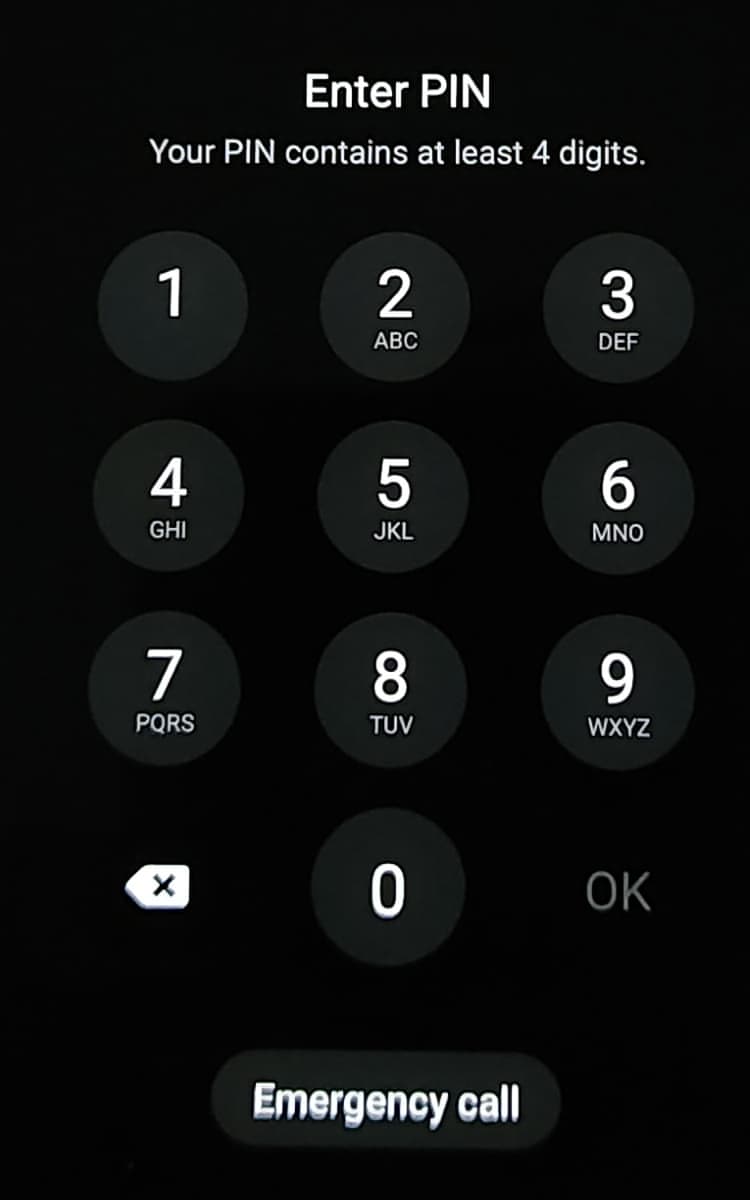
This feature introduced from Android 9 (Pie) version is actually Android security essences. While usually conveniently unlocking with fingerprints or facial recognition, the moment dangers detect, temporarily stopping all biometric recognition enabling access only through 'passwords (PIN or patterns)' mode.
What Is Lockdown Mode?
Activating lockdown mode causes following changes:
- Biometric Recognition Deactivation: Fingerprint sensors or facial recognition don't work
- Smart Lock Stops: Functions maintaining locks when connecting trusted places or devices turn off
- Notification Hiding: Sensitive notification contents appearing on lock screens block
This feature becomes last fortresses protecting privacy when physically threatened (e.g., situations forcing fingerprints) or when must show smartphones to someone.
Setup Method: Security Upgrades Finished in 1 Minute
Most Android phones (including Samsung Galaxy) have very simple methods turning on lockdown modes but hide in menus.
For Galaxy Users:
- Open Settings app
- Enter Lock screen menu
- Select Secure lock settings (PIN number entry required)
- Turn on 'Show lockdown option' toggle
For Pixel and Other Stock Android Users:
- Navigate Settings > Display > Lock screen
- Activate 'Show lockdown option' function
Tip: Actual Usage Methods: After completing settings, try long-pressing power buttons. Besides usual 'Power off,' 'Restart,' new 'Lockdown mode' icons appear. Pressing these, phones immediately enter ironclad security states.
Going One Step Further: 'Advanced Protection Program'
If you're journalists, politicians, or businesspeople handling important corporate data, need protections beyond simple settings. Google provides free services called 'Advanced Protection Program.'
Hardware Security Key Powers
This program requires physical security keys (Titan Security Key etc.) to fundamentally block phishing attacks. Even if hackers learn your IDs and passwords, without physical keys, absolutely cannot log into accounts. Also in this mode, app installations from unclear sources extremely restrict, strengthened inspections for preventing Google Drive or Gmail data leaks constantly operate.
Google Play Protect and Real-Time Inspection Synergies
Many overlook, but 'Google Play Protect' is world's most widely used threat detection services. Scanning billions of apps daily monitoring harmful behaviors. To go one step further, must turn on 'Improve harmful app detection' options.
Perfectly Balancing Security and Convenience
As security strengthens, users inevitably feel inconveniences. However, through below comparisons we can understand why must endure slight inconveniences.
Normal Mode vs Security Enhanced Mode Comparison:
- Normal Mode: Immediately unlock with single fingerprint recognition. Notification contents exposed on lock screens enabling quick checks. Convenient but high data leak risks when losing smartphones
- Security Enhanced Mode (including lockdown mode): Manually elevate security levels according to situations. Prevent biometric recognition thefts. Protect information from surrounding gazes by covering notifications. Minimize damages when security incidents occur
Ultimately security isn't 'all or nothing' but requires strategic approaches adjusting defense wall heights matched to situations.
Editor Seji's Insight: Smartphone Utilization in 'Zero Trust' Eras
Past distinguished 'safe network insides' and 'dangerous outsides.' However, now 'Zero Trust'—trust no one—principles became security global standards. Smartphone security likewise.
Most powerful security features aren't software codes but come from users' 'security consciousness.' Just by activating lockdown modes, you send powerful signals to potential attackers: 'This device doesn't easily break.'
Also dedicated security chips like 'Titan M2' mounted inside Android devices store your encryption keys in hardware-isolated spaces. When combining such hardware security functions with software settings, your smartphones can finally become perfect digital safes.
Closing
Today's introduced 'lockdown mode' and 'advanced protection settings' are most effective security measures executable right now. Open smartphone settings right now. Protecting your precious information starts not from grand technologies but from single small settings executed today.
SejiWork will continue delivering insights making your digital lives safer and smarter ahead. If you have questions or want to know more security tips, please inform through comments! Thank you.
Seji.